
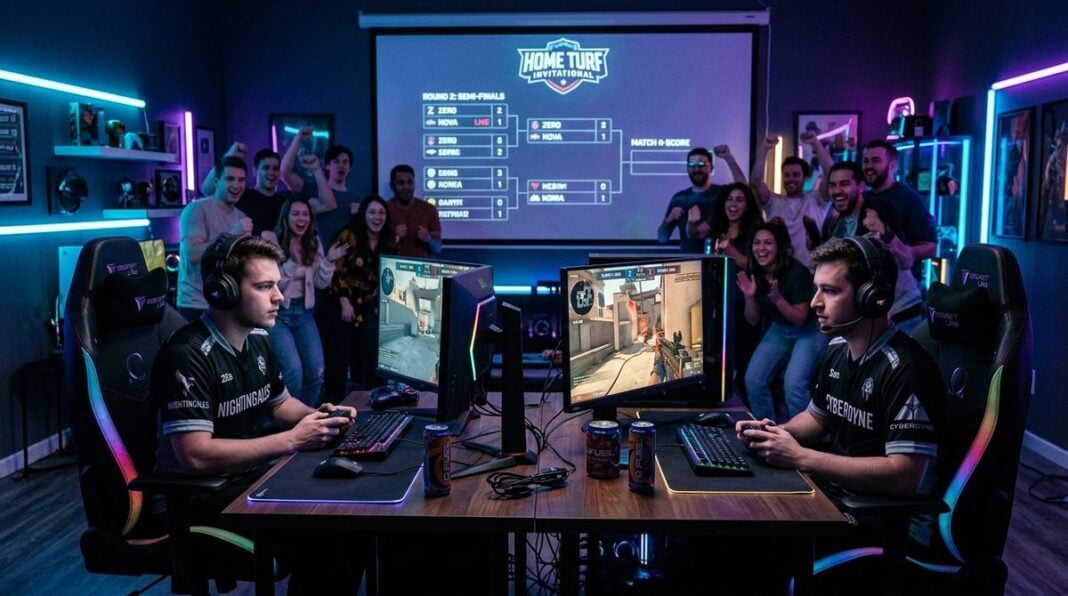


A gaming setup on a balcony can feel like a perfect escape, with fresh air, a view and a little breeze between matches. Yet sun, heat and wind can affect equipment more than most people expect. Screens can glare, electronics can overheat and cables can become a tripping hazard. This article explains how to set up a balcony gaming corner that stays cool and comfortable. It covers placement, shade, ventilation and cable management. It offers general guidance only, so check the manufacturer instructions for any device you use outdoors, and consider a qualified electrician for any new wiring.
Choose the right position
Start by observing the balcony through a full day. Note where the sun lands in the morning and afternoon, where the wind comes from and where shade appears. A corner that faces away from the afternoon sun often stays cooler in summer, while a spot that faces west can become very hot by late afternoon. Keep the setup away from direct sun on the screen, because glare makes long sessions tiring and can hide details in dark scenes.
Think about the walkway and the door as well. A setup that blocks the route to the kitchen will be frustrating, and it may create a safety risk if someone trips over a cable in the dark.
Shade and ventilation
Shade is the first defence against heat. A parasol, a shade sail or a simple awning can reduce direct sunlight on the desk and computer. Make sure any fixings are secure and that the shade will not blow away in a gust. Ventilation helps the rest of the equipment. Leave space around the console or computer so air can move freely, and avoid placing it on a cushion or blanket. Helpful habits include these:
- Keep vents clear of dust, leaves and small insects that can block airflow.
- Place devices on a hard, level surface rather than on soft fabric.
- Stop long sessions during the hottest part of the day if the space feels stuffy.
- Use a small fan only if it is designed for outdoor use.
- Check for signs of overheating, such as sudden slowdowns or loud fans.
Protect electronics from weather and damp
Balconies are exposed to rain, humidity and sudden changes in temperature. Keep electronics under cover when they are not in use, and store controllers, headsets and cables indoors when the weather turns. Use a stand that keeps devices off the floor, where water can collect. Waterproof covers are useful for storage, but avoid sealing equipment in plastic while it is still warm. Readers may also want to visit Kora Platform.
Electrical safety matters more outdoors. Use weatherproof outlet covers and keep power boards away from water. If you are unsure whether an existing socket is suitable for outdoor use, ask a qualified electrician to check it before you plug in valuable equipment.
Route cables neatly and safely
Cables are the most common hazard on a small balcony. Run them along a wall or under a rail with clips designed for outdoor use, and avoid crossing walkways where people walk. Leave a little slack so that furniture can move without tugging the plugs. Label cables at each end if several devices are connected. You can also visit site-reference.com for more reading.
Wireless accessories reduce cable clutter, although they need charging. Keep a charging station indoors where possible, and check batteries before a long session. A tidy setup is easier to clean and quicker to reset after a break.
Make the corner comfortable for long sessions
Comfort affects performance. A supportive chair, a footrest and a screen at eye level reduce strain on the neck and back. Keep water nearby, and take regular breaks to stand, stretch and look at distant objects. Lighting matters too. Soft ambient light reduces contrast with the screen, while a dark balcony at night can be unsettling. For a related read on this site, see Building a Pay-Cycle Budget When Your Paychecks Arrive.
A gaming corner on a balcony can be a joy when it is planned with the weather in mind. Choose a sensible position, provide shade and airflow, protect equipment from damp, route cables carefully and keep the seating comfortable. Check the setup after storms and strong gusts, because loose fixings, displaced covers and toppled stands are common after bad weather. Keep a small box of spare clips and cable ties indoors so that repairs are quick. With those steps, the view becomes a bonus rather than a distraction. Keep a cloth nearby for wiping dust from the screen, and use a small tray for drinks well away from the electronics, since spills are easy to overlook on a balcony table. A tidy corner is also easier to protect from the weather.