
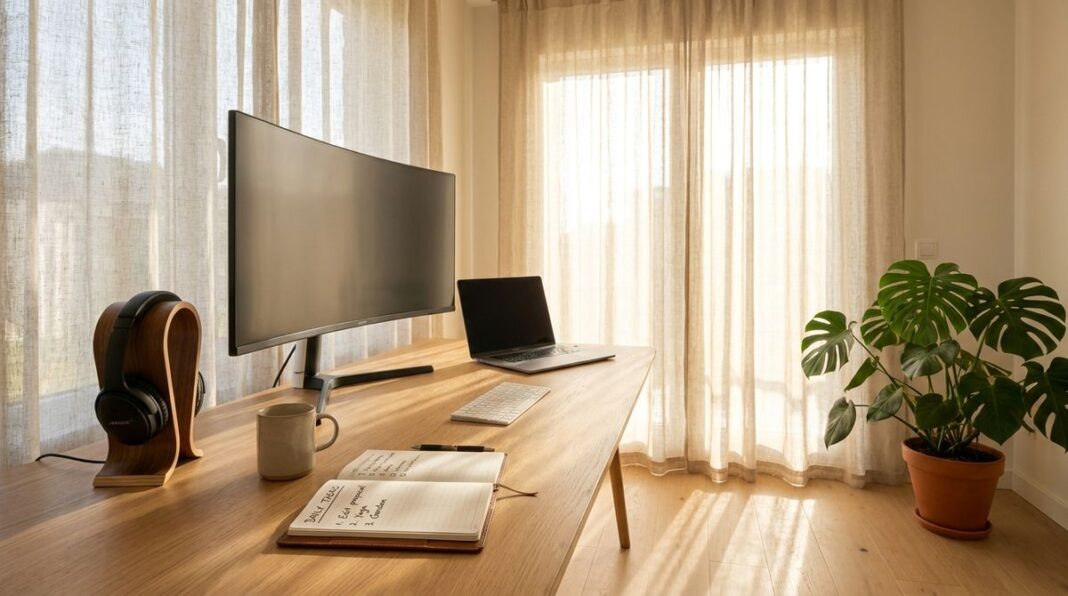


The journey toward a paperless home office is a transformative step for anyone looking to reclaim their physical space and streamline their daily workflow. By moving away from physical filing cabinets and mountains of paperwork, you create an environment that encourages focus and efficiency. This process requires more than just a scanner and a cloud storage account; it demands a shift in mindset and a structured approach to how you handle incoming documents. Whether you are dealing with essential household records, professional contracts, or personal correspondence, the goal remains the same: creating a secure, accessible, and organized digital repository that replaces the traditional, cluttered desk.
The Philosophy of a Minimalist Desk
Embracing a minimalist desk setup begins with understanding that your physical space directly influences your mental clarity. When surfaces are clear of paper stacks, it is easier to focus on the task at hand rather than being distracted by a reminder of unfinished chores or unfiled bills. The transition to a paperless environment is not about removing paper entirely, but about ensuring that any paper that enters your home has a predefined path toward digitization or disposal.
Consider the habit of immediate processing. When mail arrives, address it immediately. If it requires action, keep it in a designated tray. If it is purely informational or a receipt that needs archiving, move it to the scanner before the end of the day. This simple habit prevents the accumulation of clutter. By establishing a routine for processing physical mail, you build a foundation that makes the digital transition sustainable in the long run.
Digital Workspace Preparation
Before you begin the heavy lifting of scanning and uploading, you must establish a robust digital infrastructure. This involves selecting a secure storage location, such as a cloud-based service, and creating a logical folder structure that mirrors your needs. Start with broad categories like Finance, Home, Health, and Personal, then break those down into subfolders by individual account or topic.
Consistency is crucial in this phase. If you choose a naming convention for your files, stick to it. Using a consistent format, such as date followed by document type and a brief description, allows for easy searching later. For those looking to optimize their technology setup, checking out resources like TechRegar can provide valuable insights on modern tools and strategies for managing your digital ecosystem. Proper preparation ensures that your transition is not only successful but also maintainable over time, preventing the digital chaos that can occur if you start without a clear plan.
The Digitization Process
Digitizing your existing paper trails is a task that should be handled methodically to avoid burnout. Rather than attempting to scan every single document you own in one afternoon, focus on a manageable routine. Tackle the most recent documents first, then work backward through your existing files as time permits. This strategy ensures that you are maintaining current records while gradually reducing the backlog.
High-quality scanning is essential for ensuring that your digital copies are legible and searchable. When scanning, ensure that the lighting is sufficient and that the document is positioned correctly to avoid blurring or skewing. Many modern scanners or scanning applications include features that automatically detect edges and enhance contrast, which can significantly improve the readability of your archived files. Always review the digital scan immediately after it is created to confirm that it is clear, complete, and properly saved before discarding the original physical copy, unless the original is a document that must be kept for legal reasons.
Navigating Technical Roadblocks
Inevitably, you may encounter technical hurdles that slow your progress. Perhaps your scanning software is not communicating correctly with your hardware, or you might experience difficulty with document formats that are not readily compatible with your chosen storage platform. These challenges are normal and should be viewed as temporary obstacles rather than signs to abandon the paperless goal.
When you encounter issues with your scanning hardware, it is helpful to have a reliable source for troubleshooting. If your hardware stops functioning or displays persistent errors, finding direct solutions is key to maintaining your momentum. For specialized assistance with hardware complications, a site like How to Fix my Printer can offer practical guidance to help you resolve common mechanical issues without unnecessary delay. Taking a structured approach to solving these technical problems will keep your digitization project moving forward.
Ongoing Management Strategies
Maintaining a paperless home office requires ongoing discipline, but it becomes much easier once the initial backlog is cleared. Set aside a brief period at the end of each week to review and archive any new documents that have accumulated. This habit keeps your digital system organized and ensures that you do not fall back into the cycle of letting paper clutter build up again.
Regularly backing up your digital files is non-negotiable. Ensure that your documents are stored in multiple locations, such as a cloud service combined with a local external drive, to protect against data loss. Additionally, if you find yourself struggling to maintain focus or keep your technology organized, simplifying your domestic tech setup can often reveal ways to streamline your workflow and reduce technical friction. Consistently reviewing your processes allows you to refine your system and ensure it continues to meet your evolving needs.
The transition to a paperless home office is a journey rather than a single event. It rewards you with a clearer desk, a more organized mind, and easier access to the information you need. While it requires initial effort and consistent maintenance, the long-term benefits are substantial. By following a methodical approach and staying organized, you can effectively manage the transition and enjoy the comfort and productivity of a truly modern, minimalist workspace.